An evening in the tent

What happens between the first order and the last receipt.
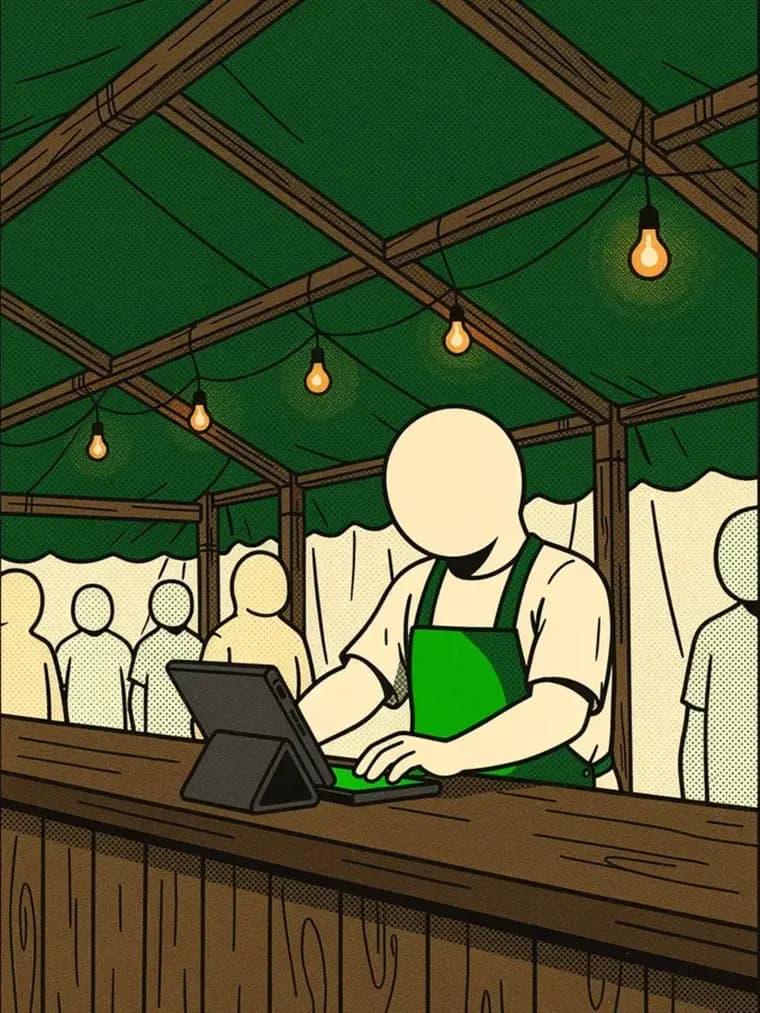
  1. Staff taking an order on a tablet at the counter
    Step 1 · Checkout

    Orders are taken right at the counter — on any tablet or phone.
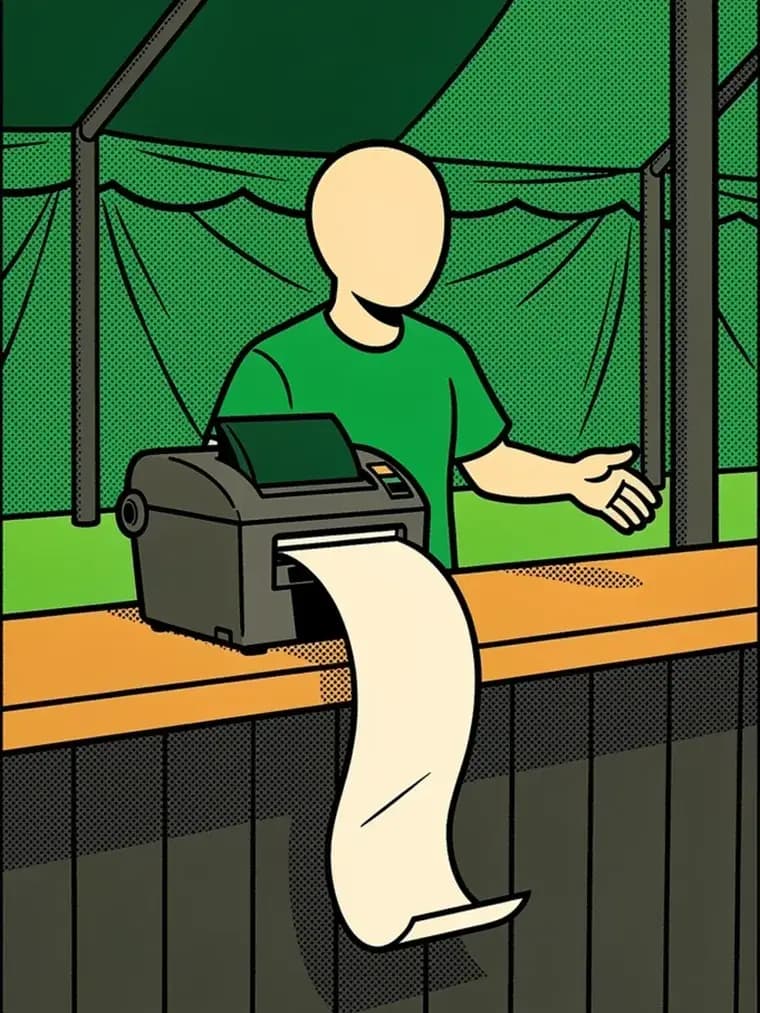
  2. A receipt coming out of the printer
    Step 2 · Receipt

    Kitchen and bar tickets print automatically on the right printer – the printer agent on your PC takes care of it.
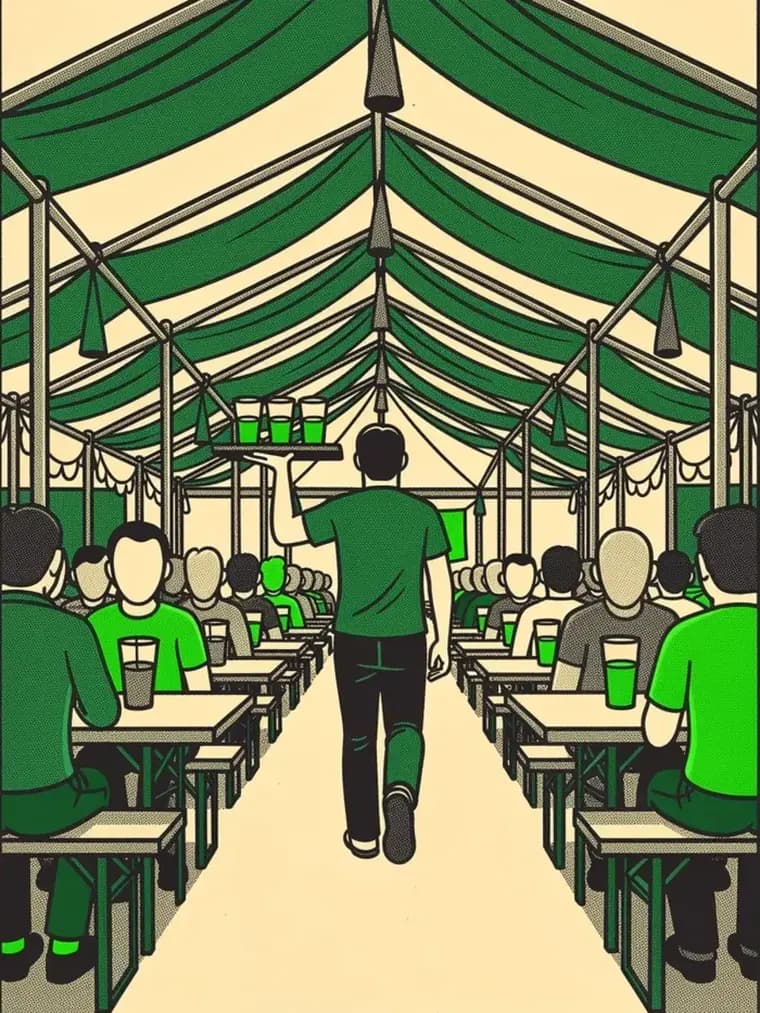
  3. A runner carrying drinks to a table
    Step 3 · Service

    Who carries what where is on the ticket. No shouting, no scraps of paper.
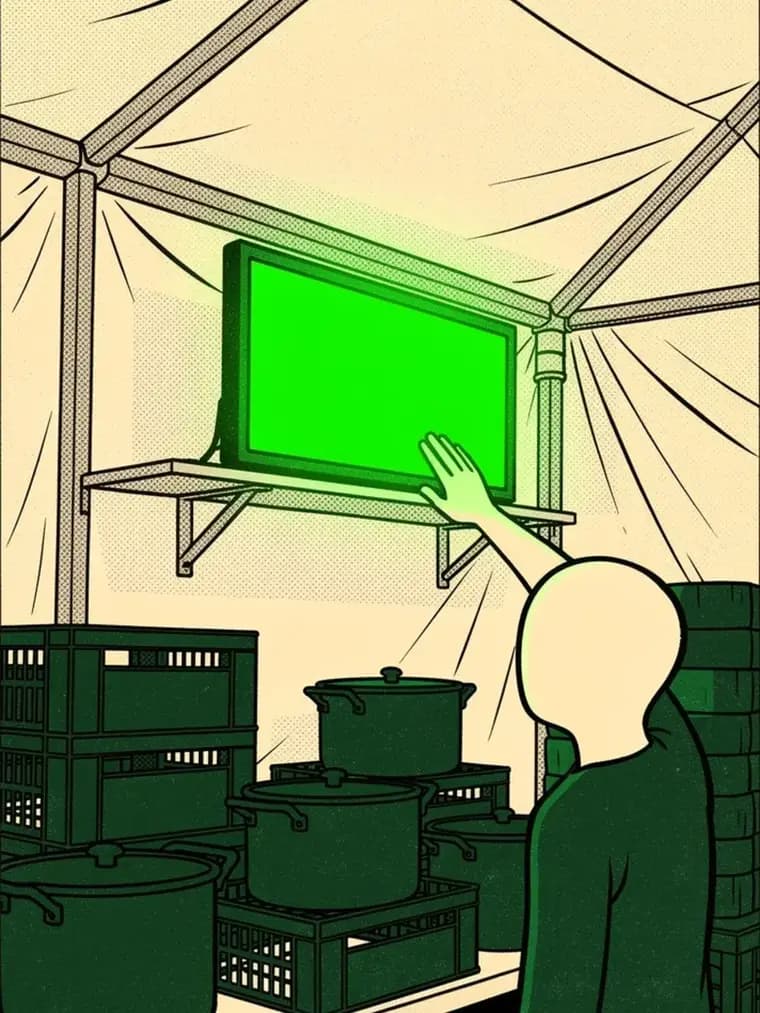
  4. Kitchen staff confirming a finished order on screen
    Step 4 · Kitchen

    The kitchen display clears finished orders with a single tap.
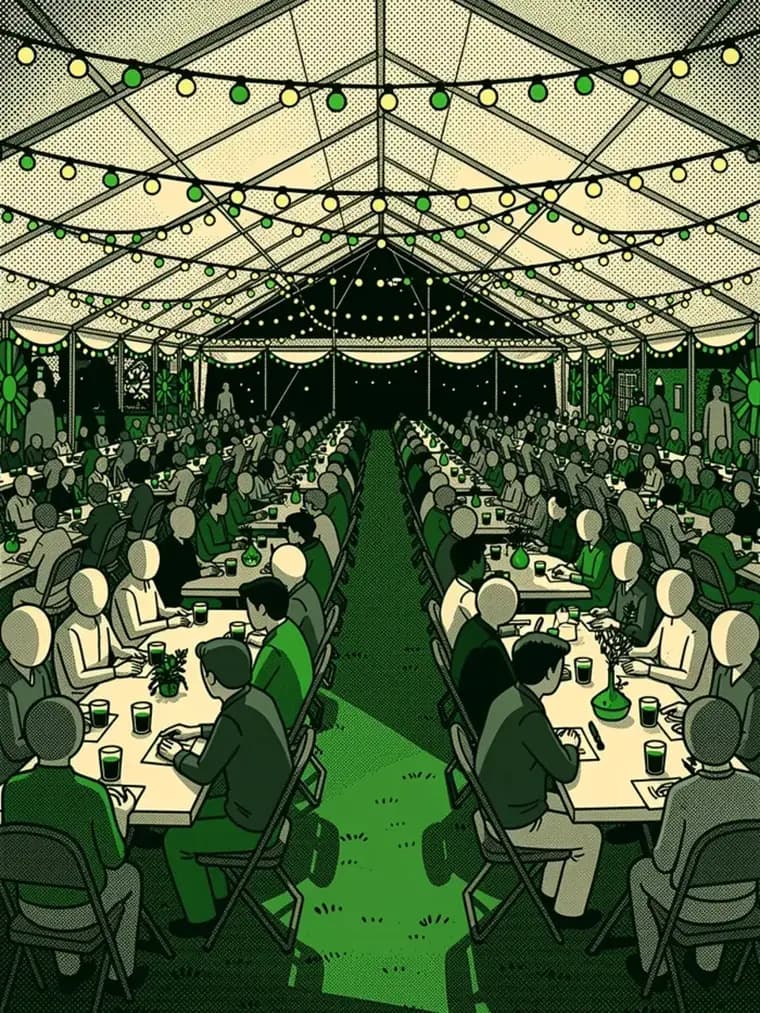
  5. A busy festival tent in the evening
    Step 5 · Overview

    Revenue, bestsellers and waiting times come together live in the dashboard.

What it looks like

The real interface, with sample data from a made-up club festival.
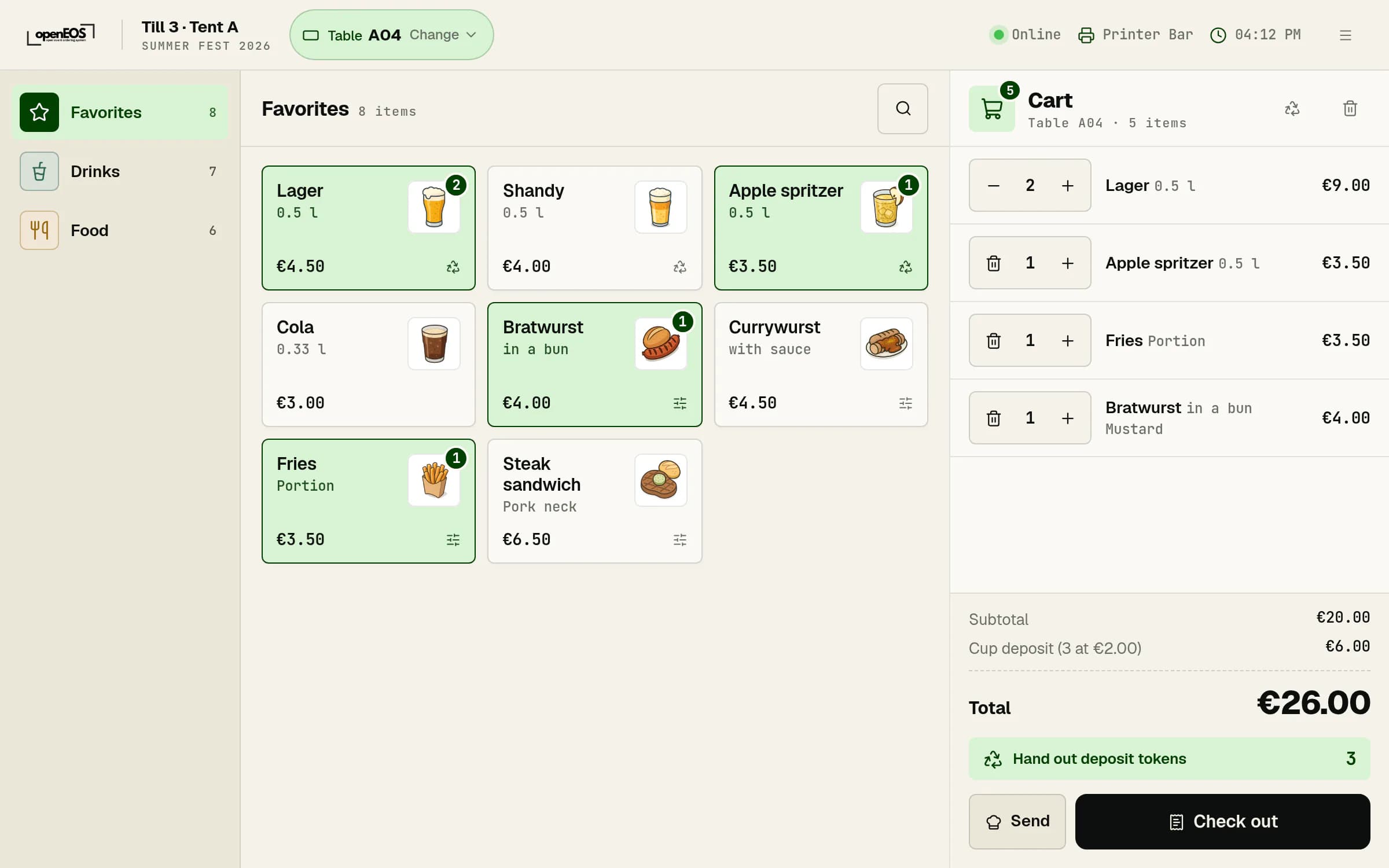
Till at table A04: favorites with product pictures, next to it the cart with lager, apple spritzer, fries and bratwurst
The tillFavorites on top, categories in their own color, every item with a picture. On the right, the cart with deposit and total.
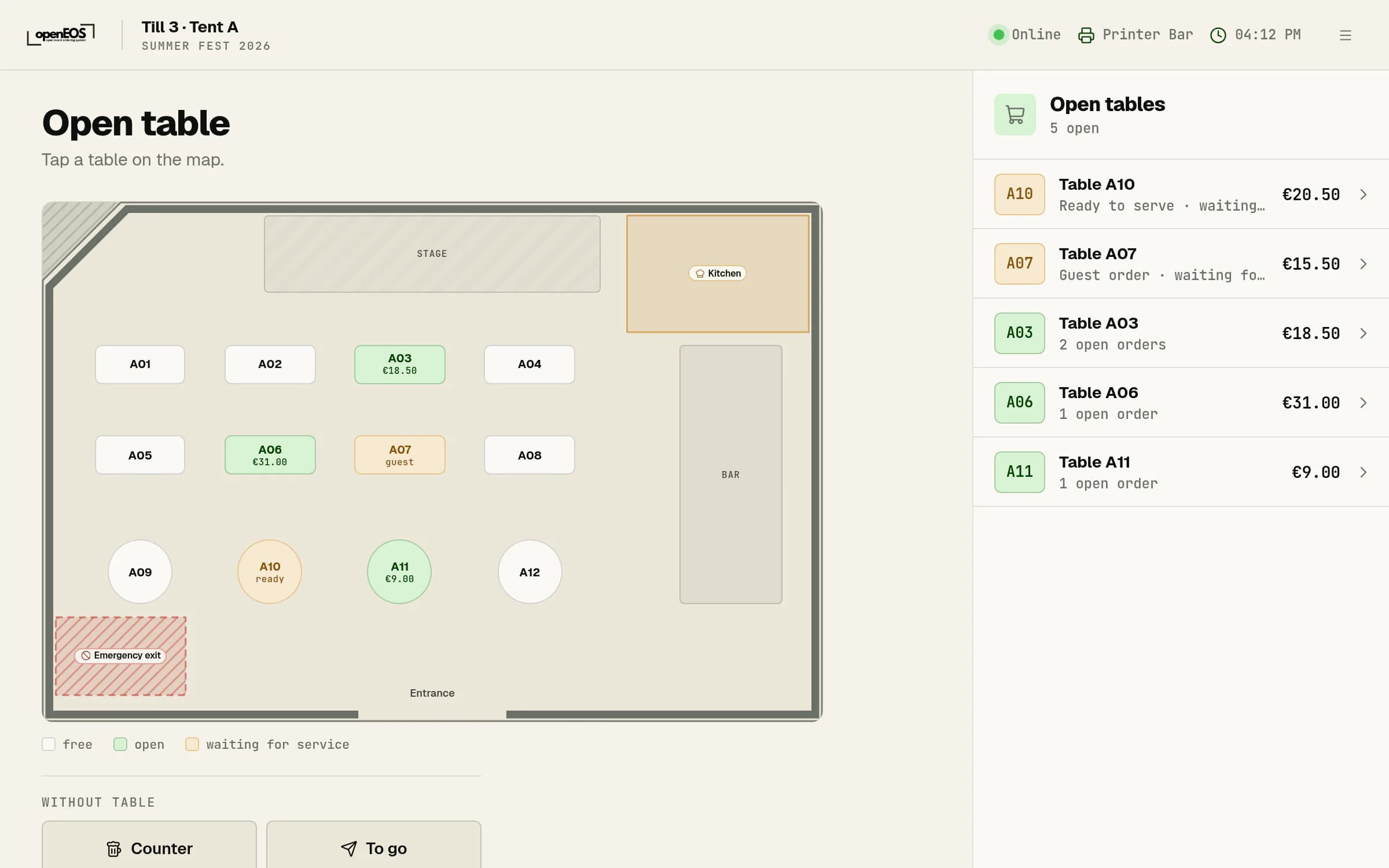
Till showing the floor plan of Tent A with open and waiting tables and a list of open tables
Tables at a glanceThe till shows your floor plan. Open tables are green, waiting ones yellow, with the open amounts on the right.
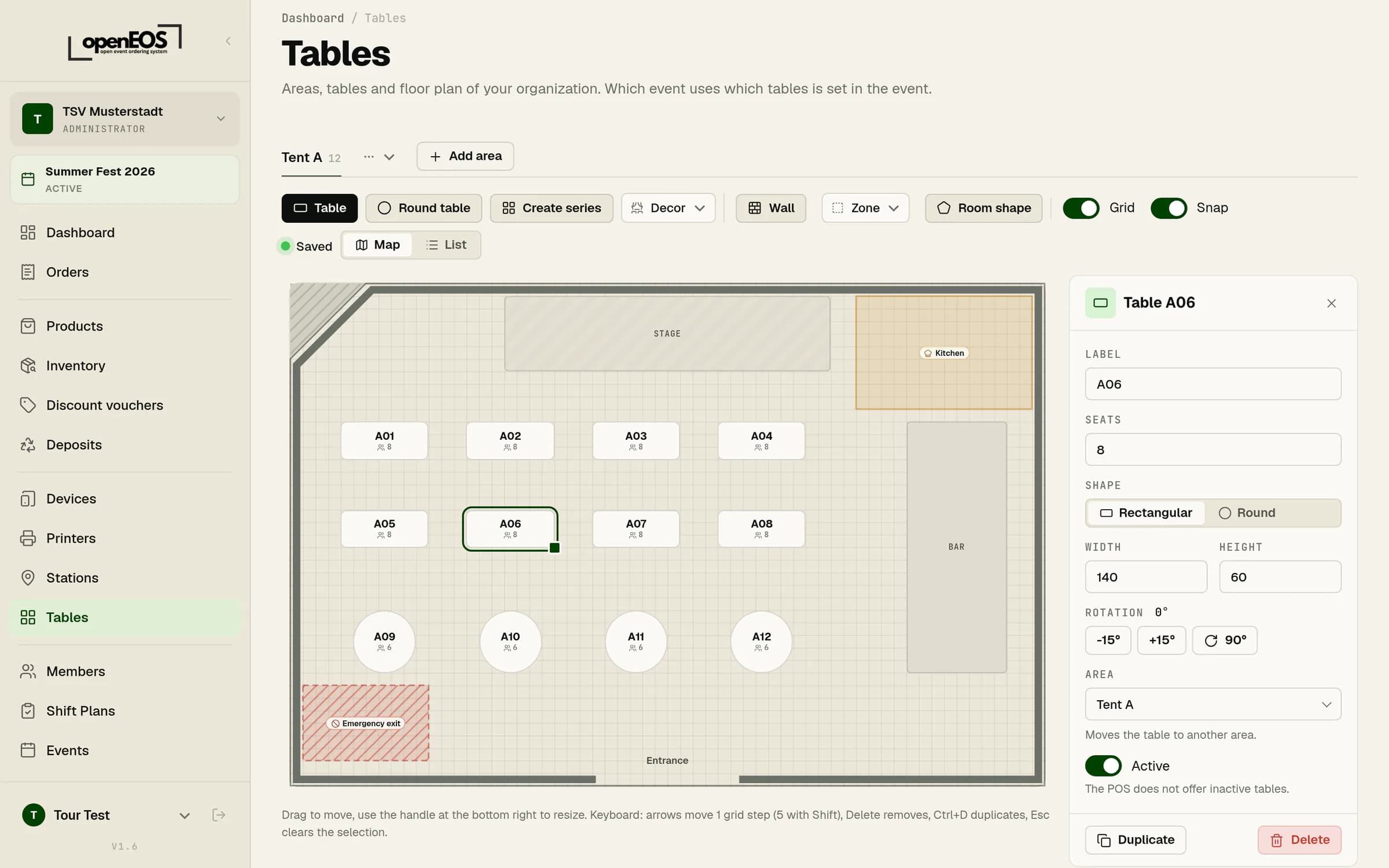
Floor plan editor in the admin area with Tent A, stage, bar, kitchen and emergency exit, the properties of table A06 on the right
Floor plan editorDrag tables, draw walls, mark zones like the kitchen or an emergency exit. The till picks up the plan.
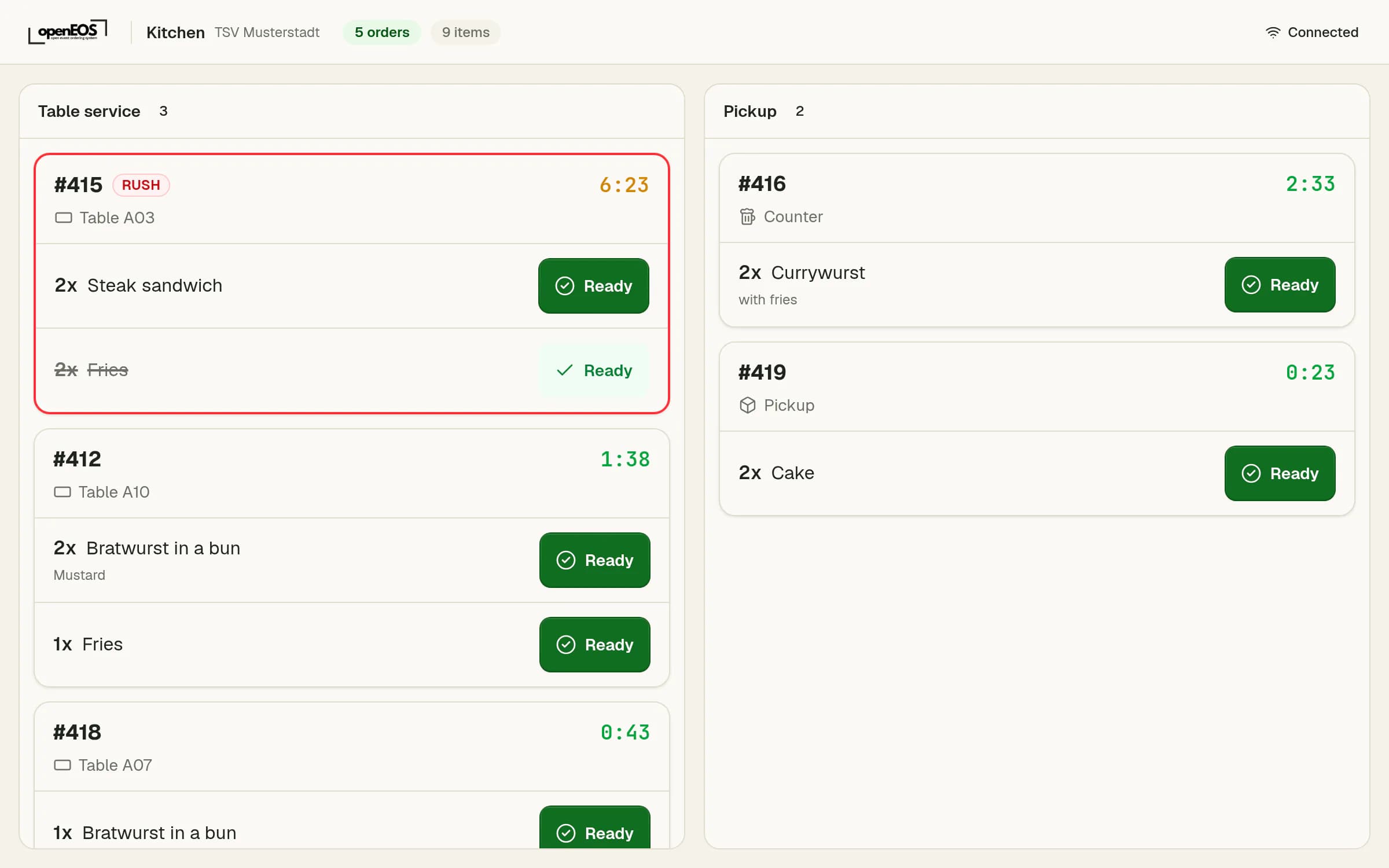
Kitchen screen with five open orders, waiting times and ready buttons
The kitchen screenEach station only sees its own orders, split into table service and pickup. One tap marks an item as ready.
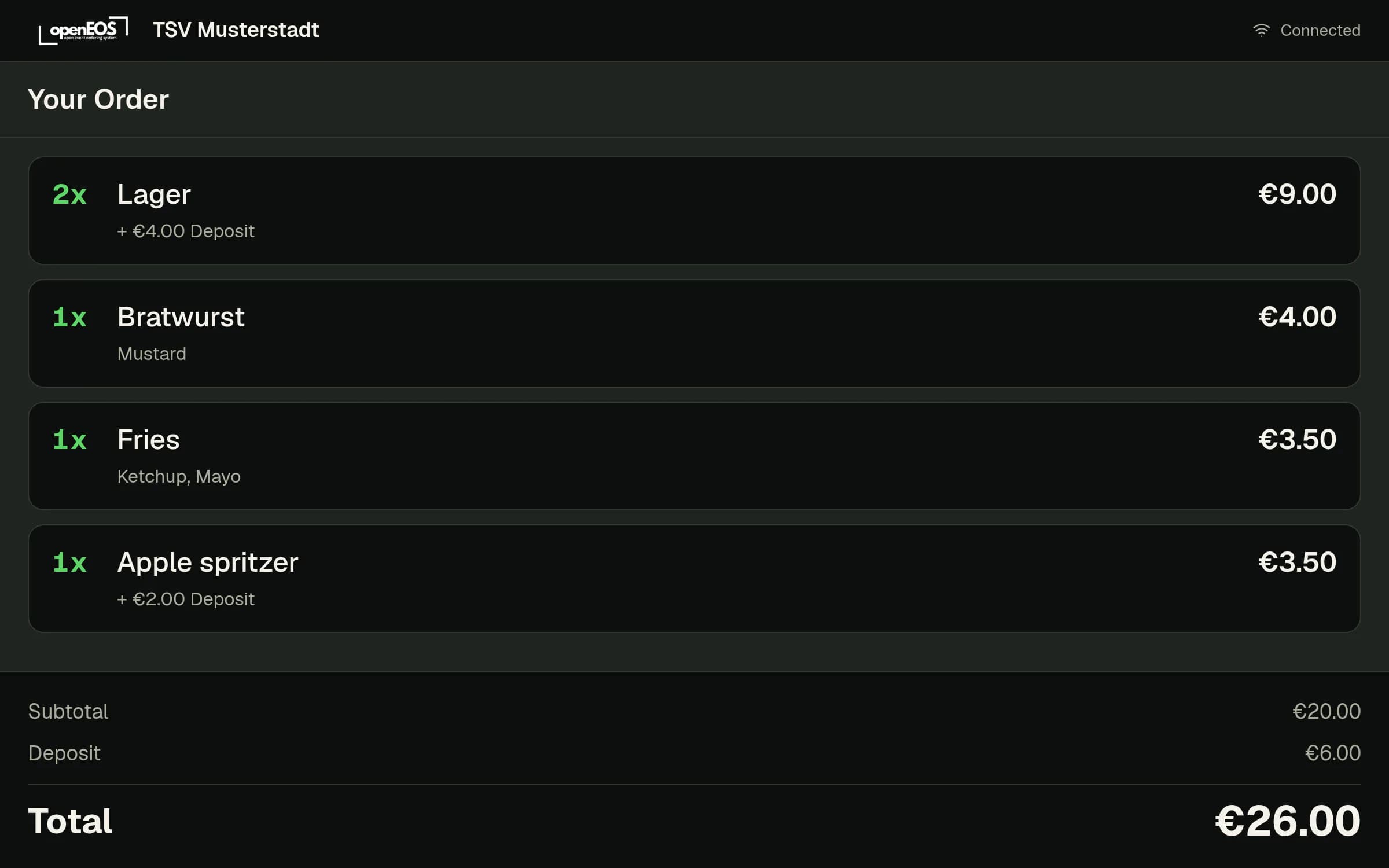
Customer display during an order: lager, bratwurst, fries and apple spritzer with deposit and total
The customer displayYour guests see live what you type into the till, including deposit and total.
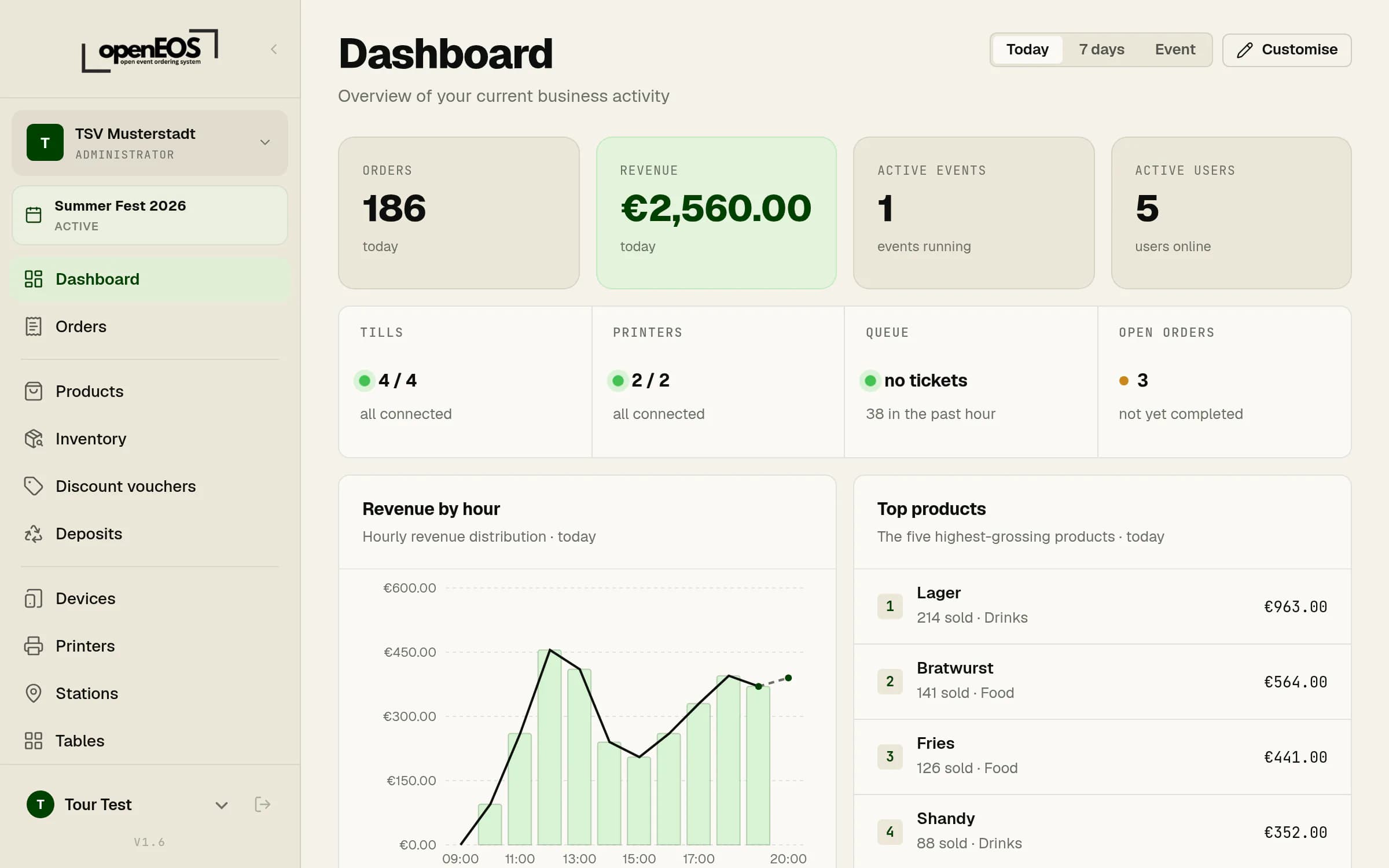
Dashboard with key figures, device status, revenue by hour and top products
The overviewRevenue, orders, devices and your best-selling products, updated as you go.
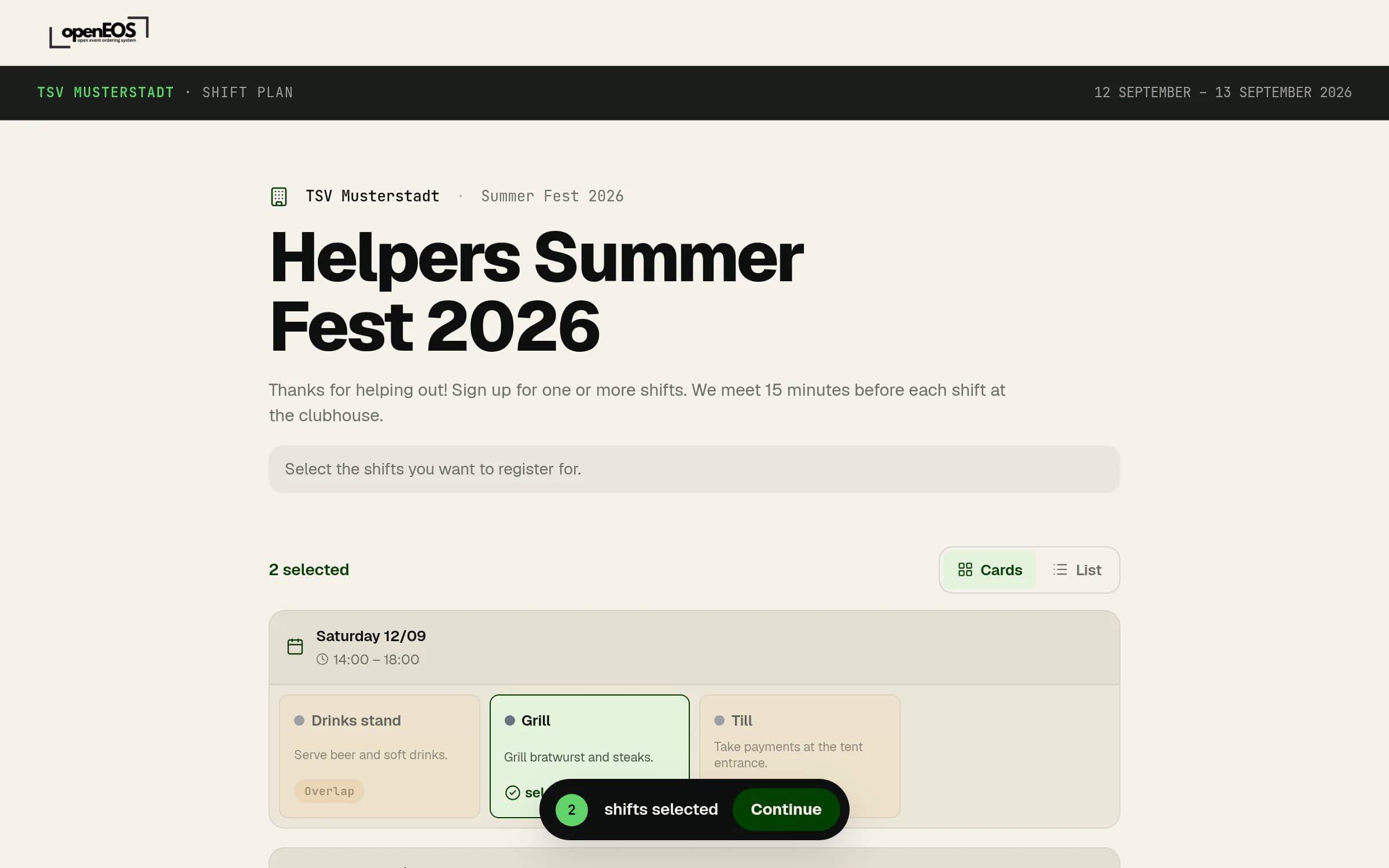
Public helper page of a shift plan with two shifts selected
Shift plan for helpersHelpers sign up themselves via a link, no account needed. Overlapping shifts are locked.